Bottom Sheet Usage
이전 화면과 관련된 콘텐츠를 포함하며, 사용자가 상세 정보를 확인하거나 액션에 집중할 수 있도록 돕습니다.
Layout
Spacing
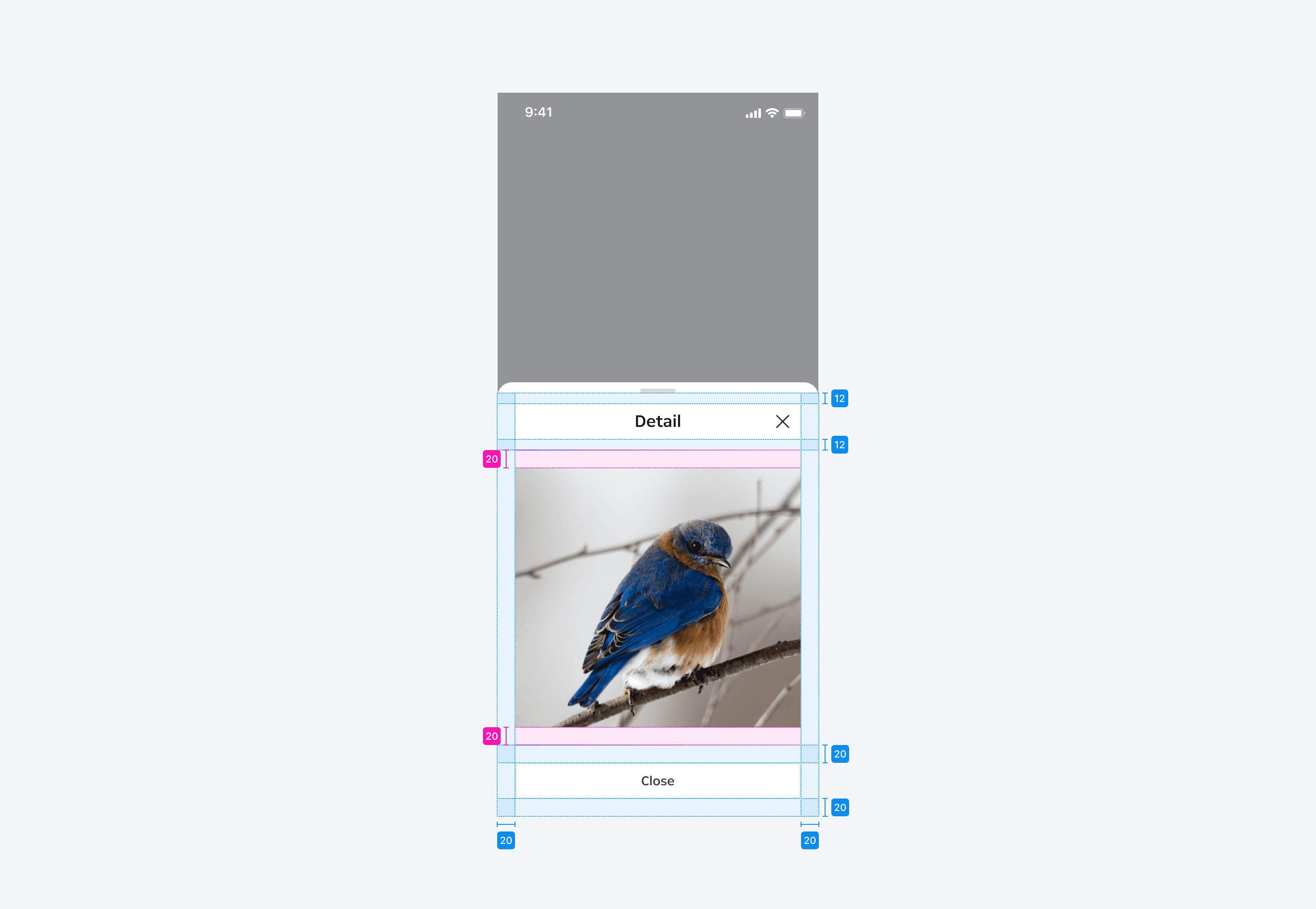
Bottom sheet 사이즈에 관계없이 내부 요소 간의 간격은 동일하게 적용합니다.
Placement
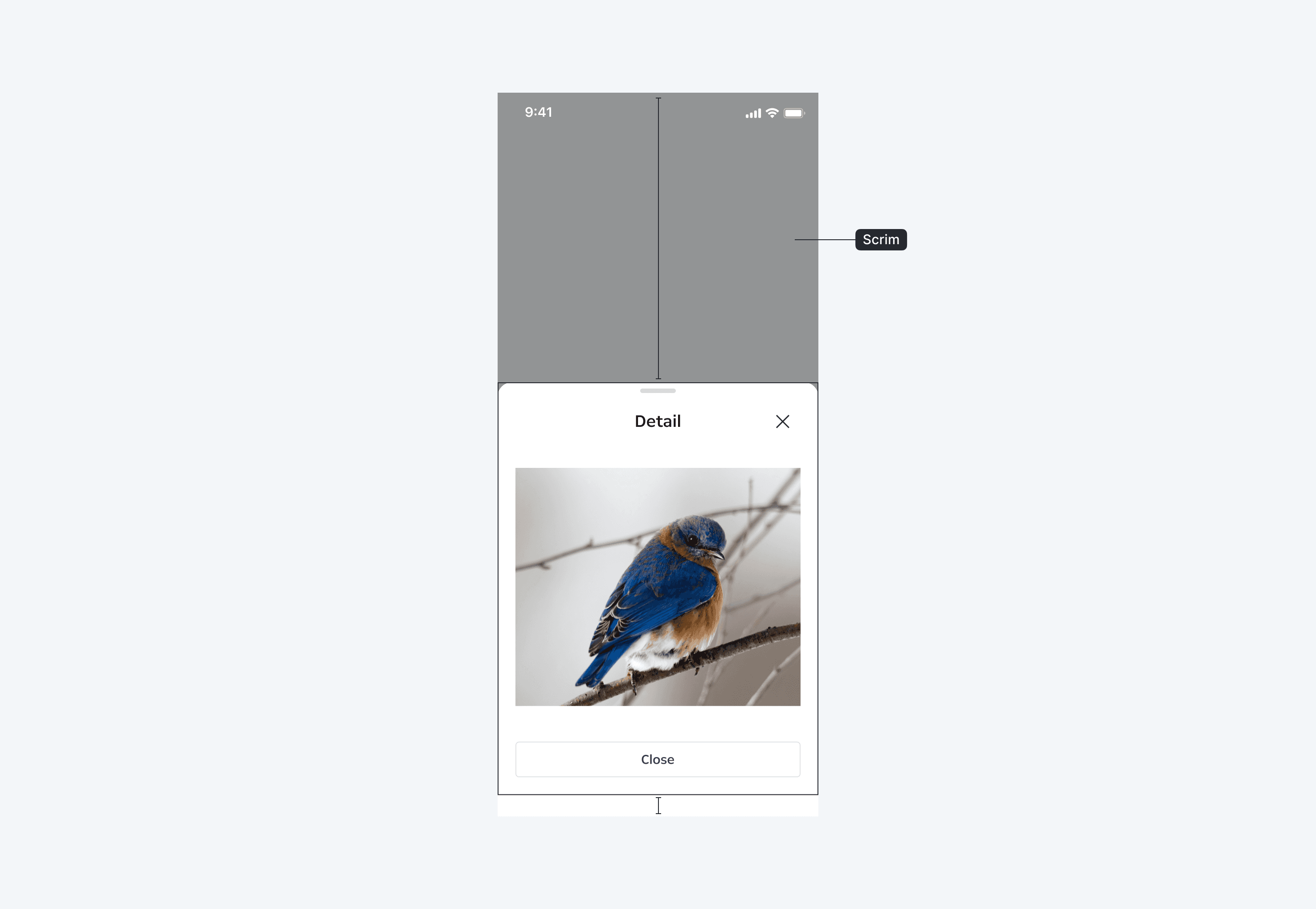
Bottom sheet는 화면 최하단인 safe area 상단에 위치합니다. 배치 시 scrim을 적용해서 bottom sheet 액션에 집중할 수 있게 합니다.
Display
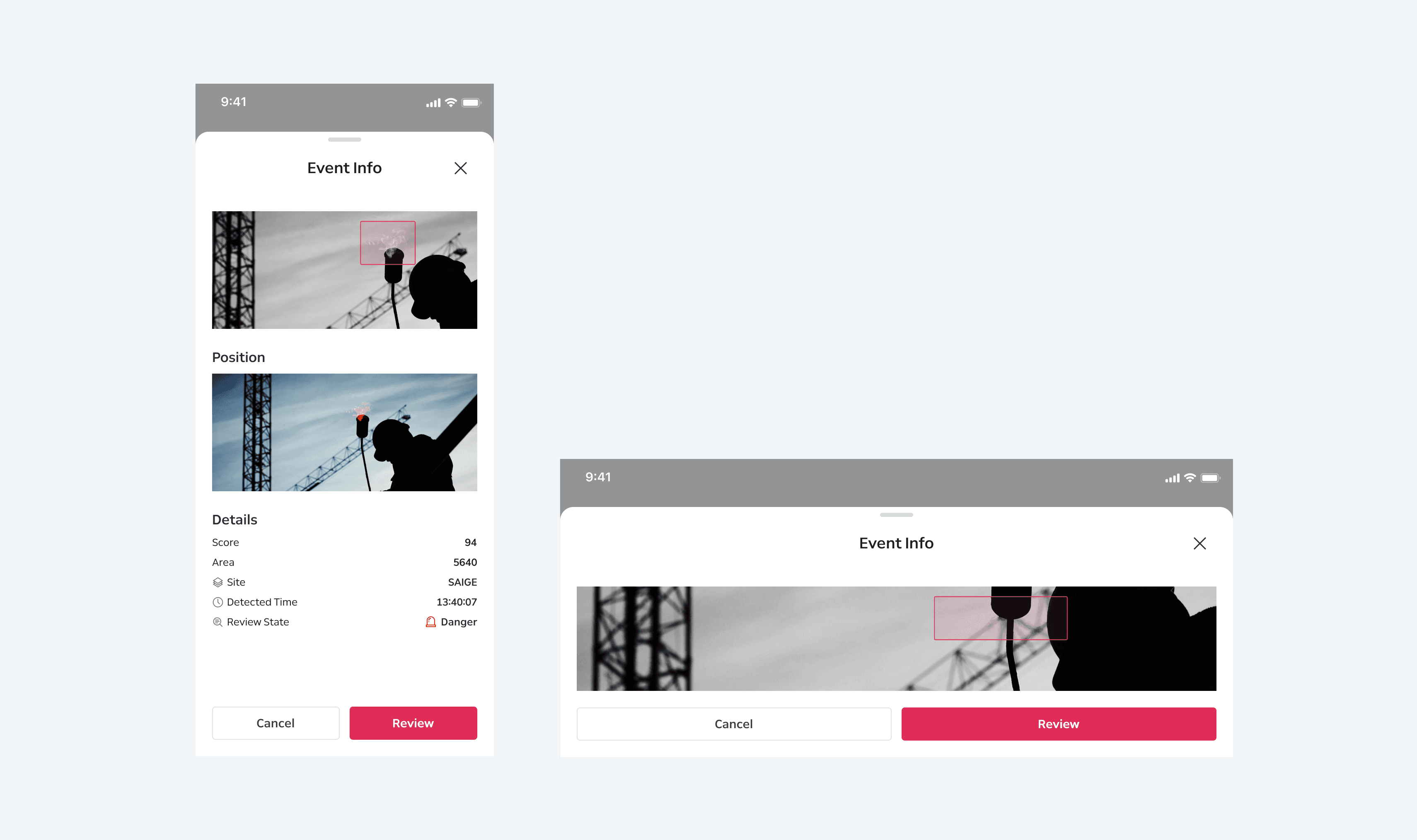
Header 및 actions는 bottom sheet 사이즈 스펙 또는 디바이스 환경과 무관하게 고정된 높이를 가집니다.
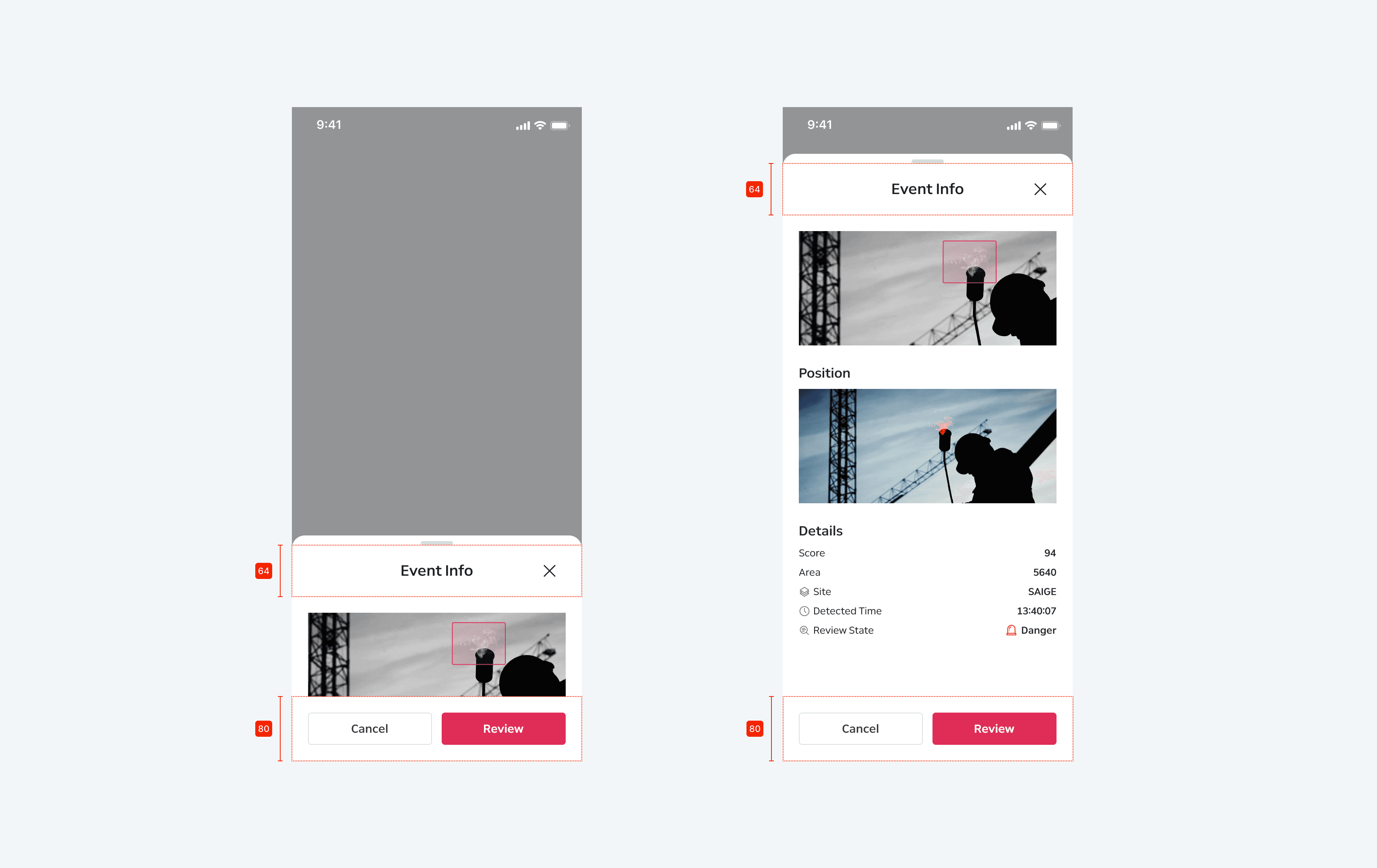
가로 모드 전환 시 bottom sheet의 너비와 높이는 디바이스 환경에 맞게 fill 처리됩니다.
Content
Header
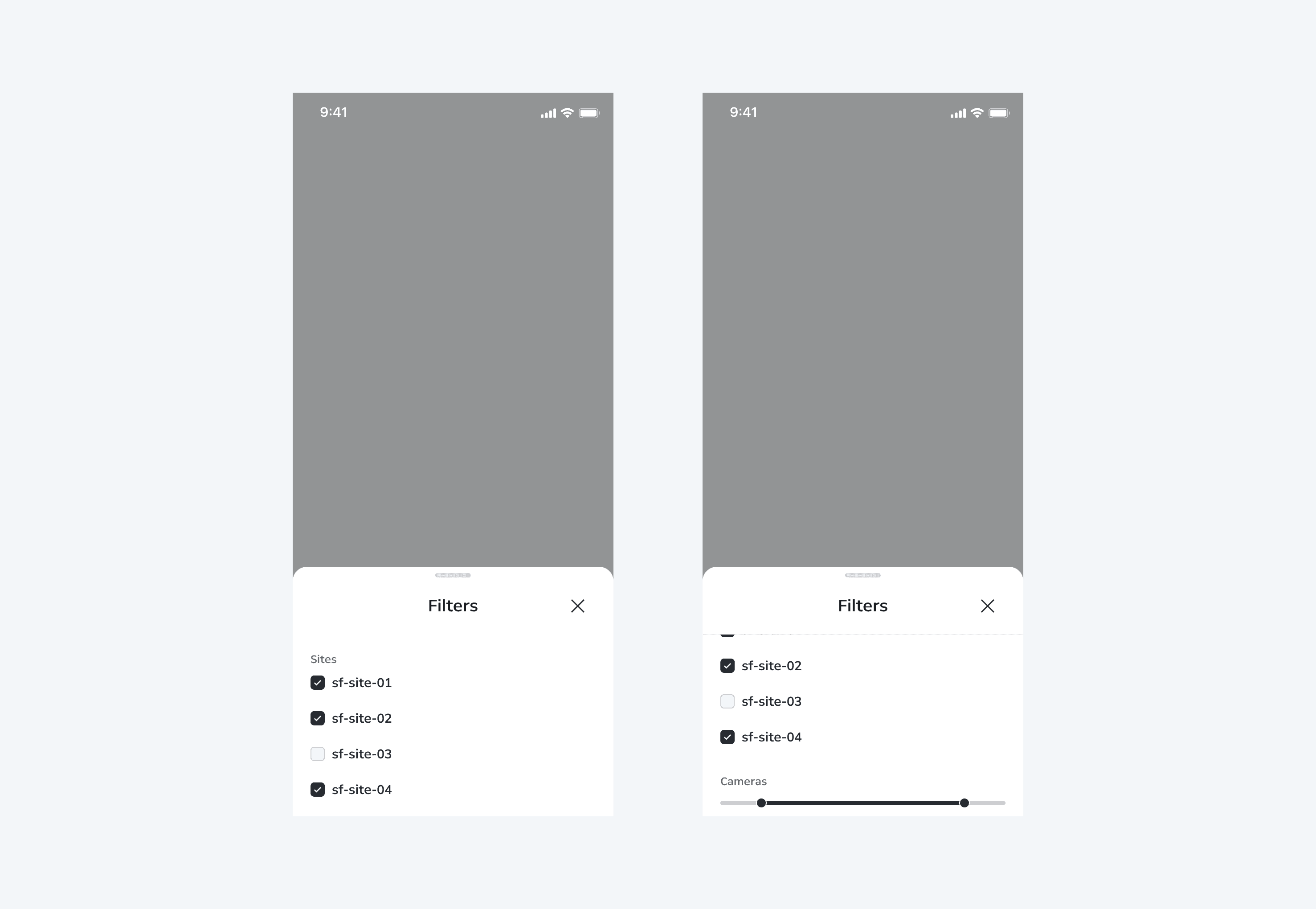
Header는 title과 close button으로 구성됩니다. 상황에 따라 구성 항목은 제외될 수 있습니다. Body에 스크롤이 1px 이상 적용되는 경우 header 하단에 border가 활성화됩니다.
Body
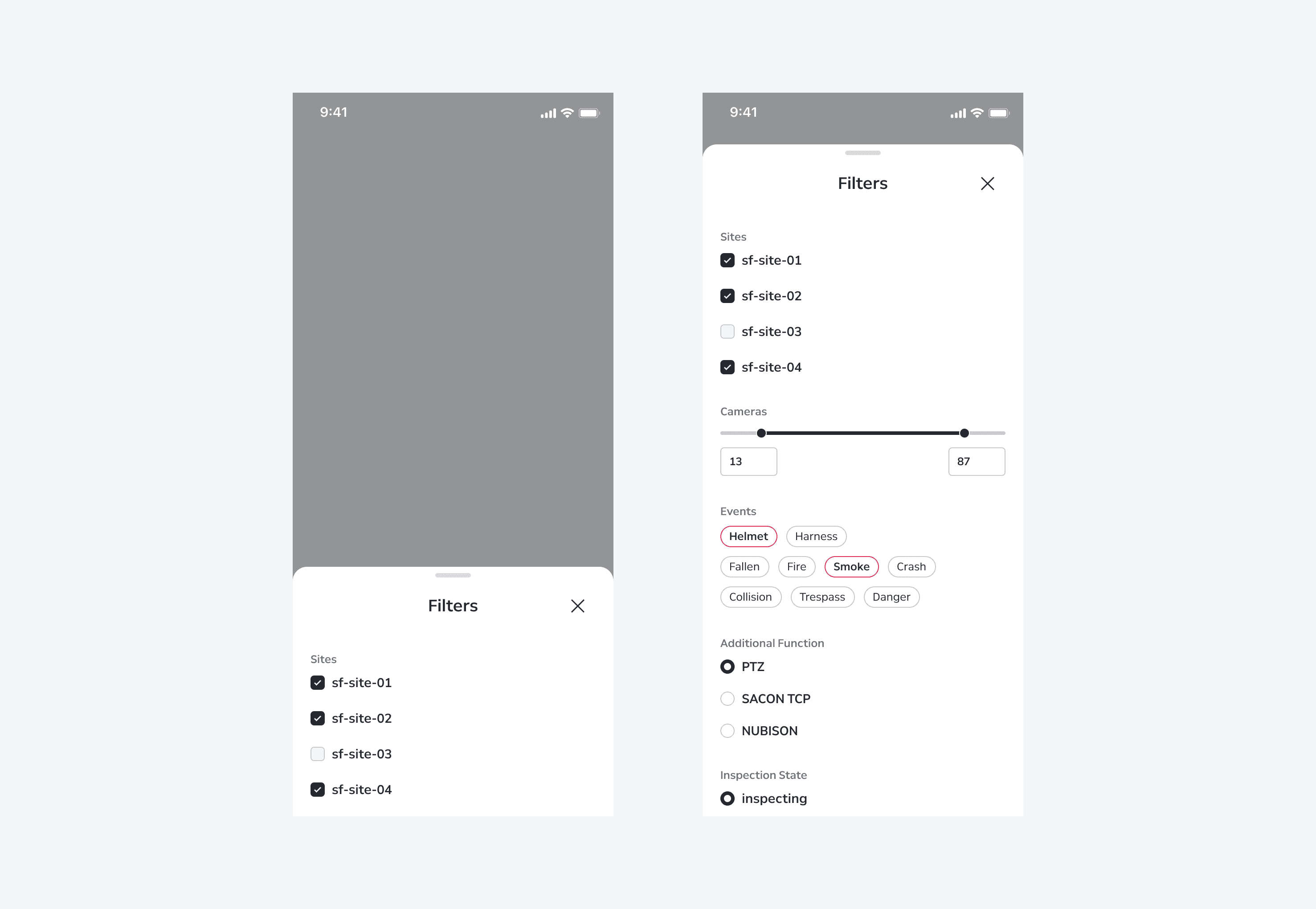
일반 화면처럼 자유롭게 구성할 수 있습니다. 콘텐츠가 bottom sheet의 높이를 초과하면 스크롤이 활성화됩니다.
Actions
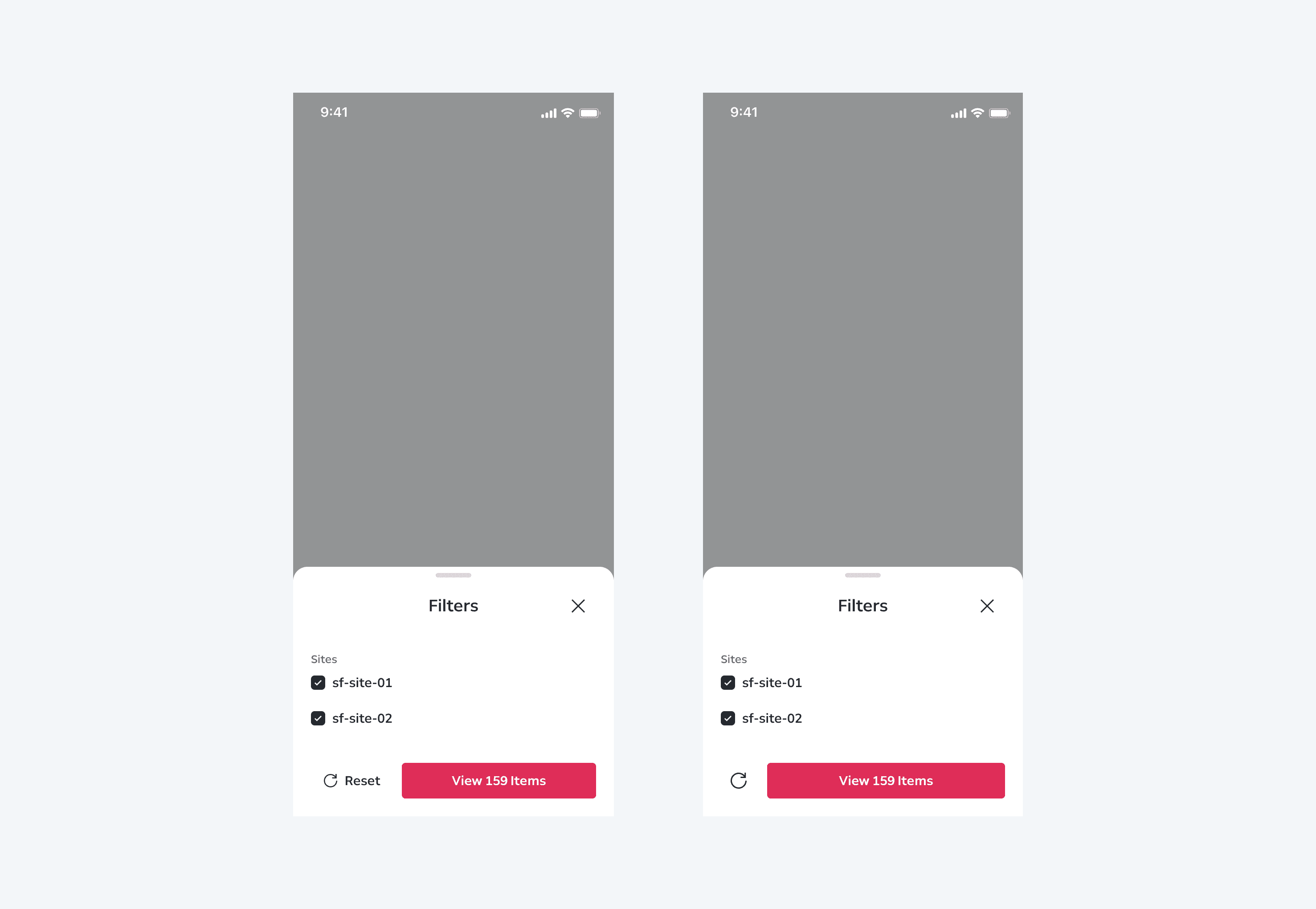
Actions에는 기본적으로 primary/secondary button이 구성될 수 있습니다. Secondary button의 경우 디바이스 너비에 따라 icon button으로 대체될 수 있습니다.
Behaviors
Scroll Action
Body 내부 구성 항목이 bottom sheet의 기본 규격을 초과하는 경우 스크롤이 활성화됩니다.
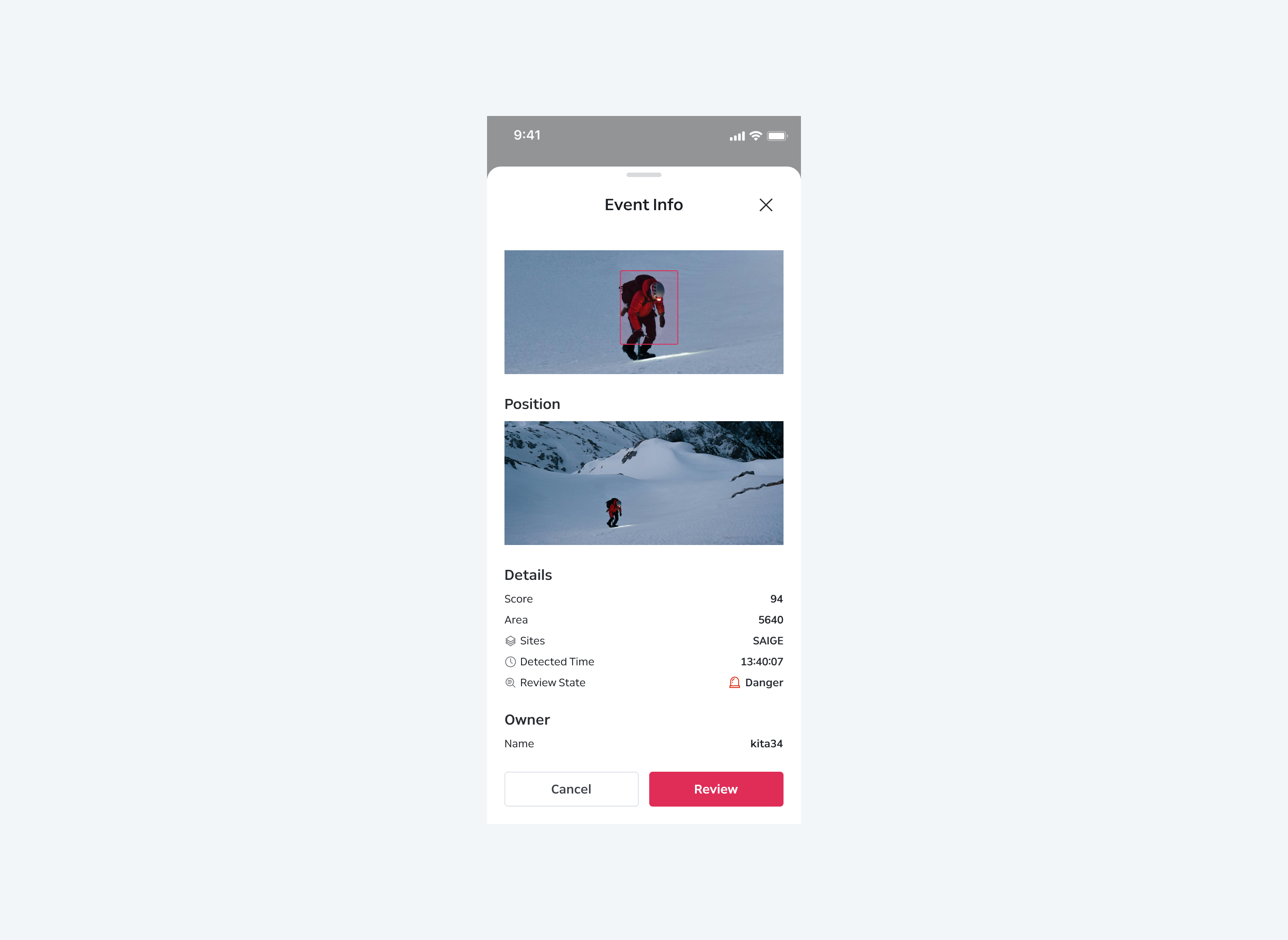
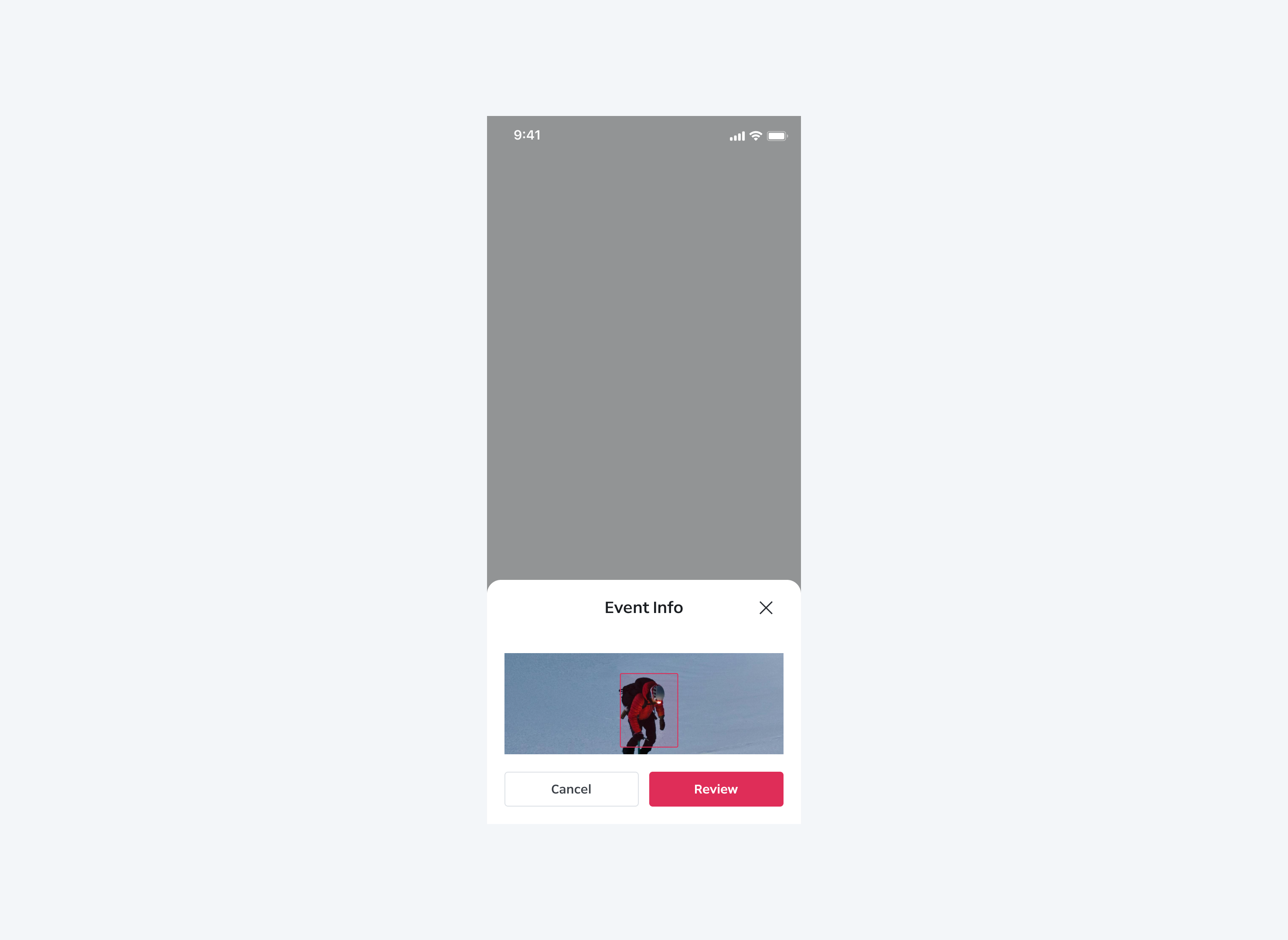
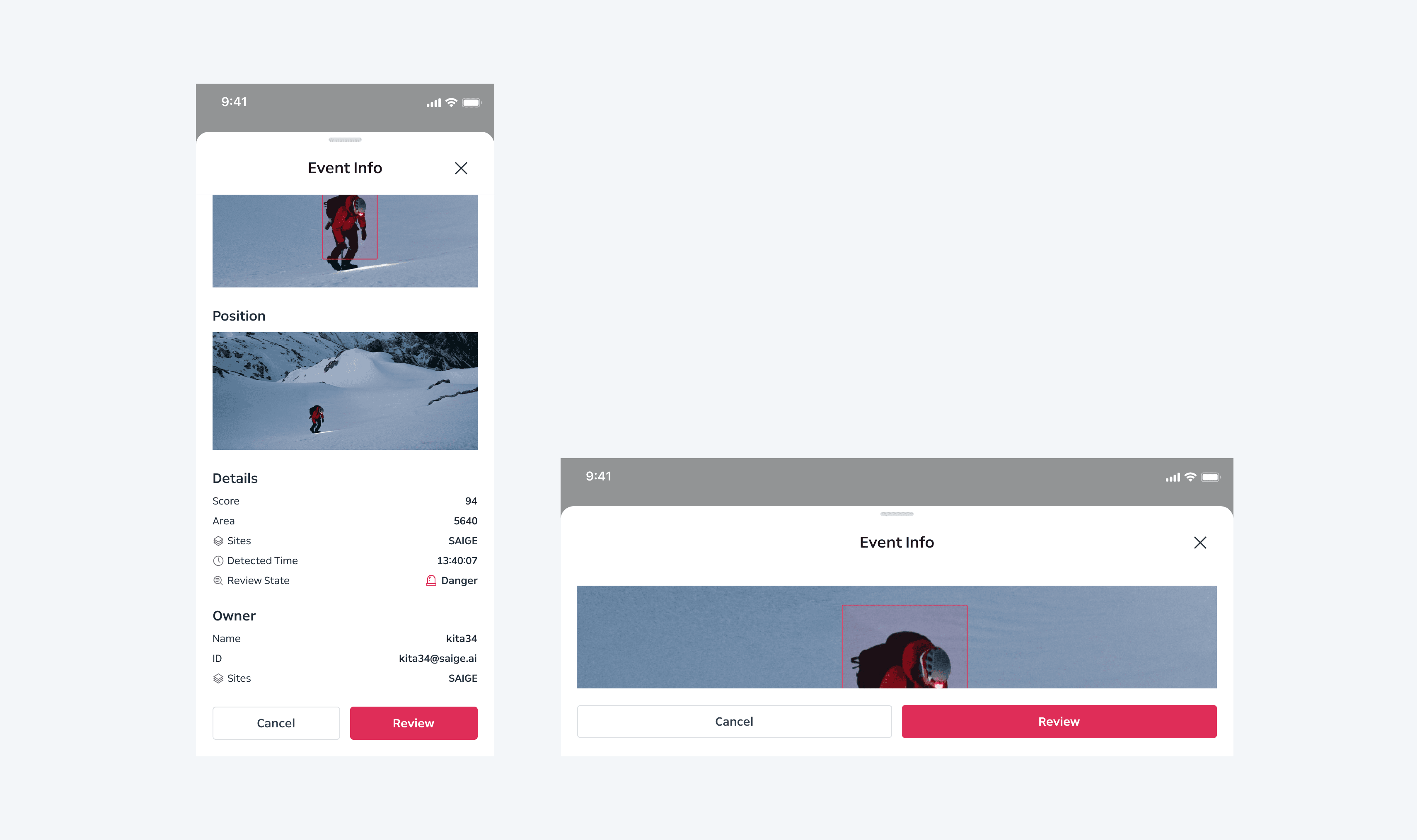
세로 모드 상태에서 스크롤 적용 후 가로 모드로 전환하는 경우 스크롤이 ‘0’으로 초기화됩니다. 반대의 경우도 마찬가지입니다.
Expandable
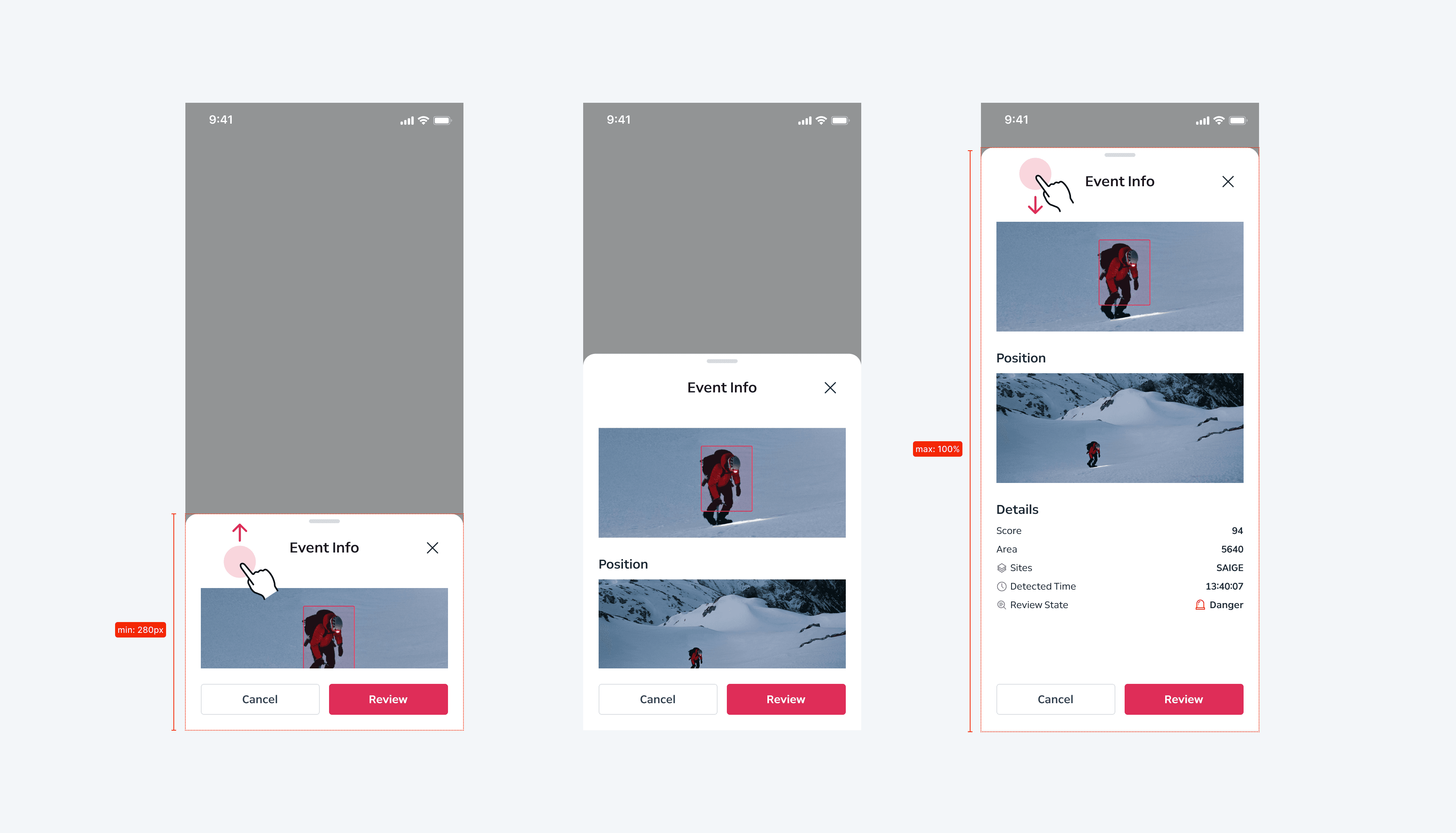
Handlebar가 제공되는 경우 handlebar 또는 header를 끌어 올리고 내리는 제스처를 통해 bottom sheet 높이를 유동적으로 조절할 수 있습니다. 가변 범위는 body를 기준으로 하며, min/max 높이 범위 내에서 조절할 수 있습니다.
Not Expandable
Handlebar가 제공되지 않는 경우 bottom sheet를 유동적으로 확장할 수 없습니다.
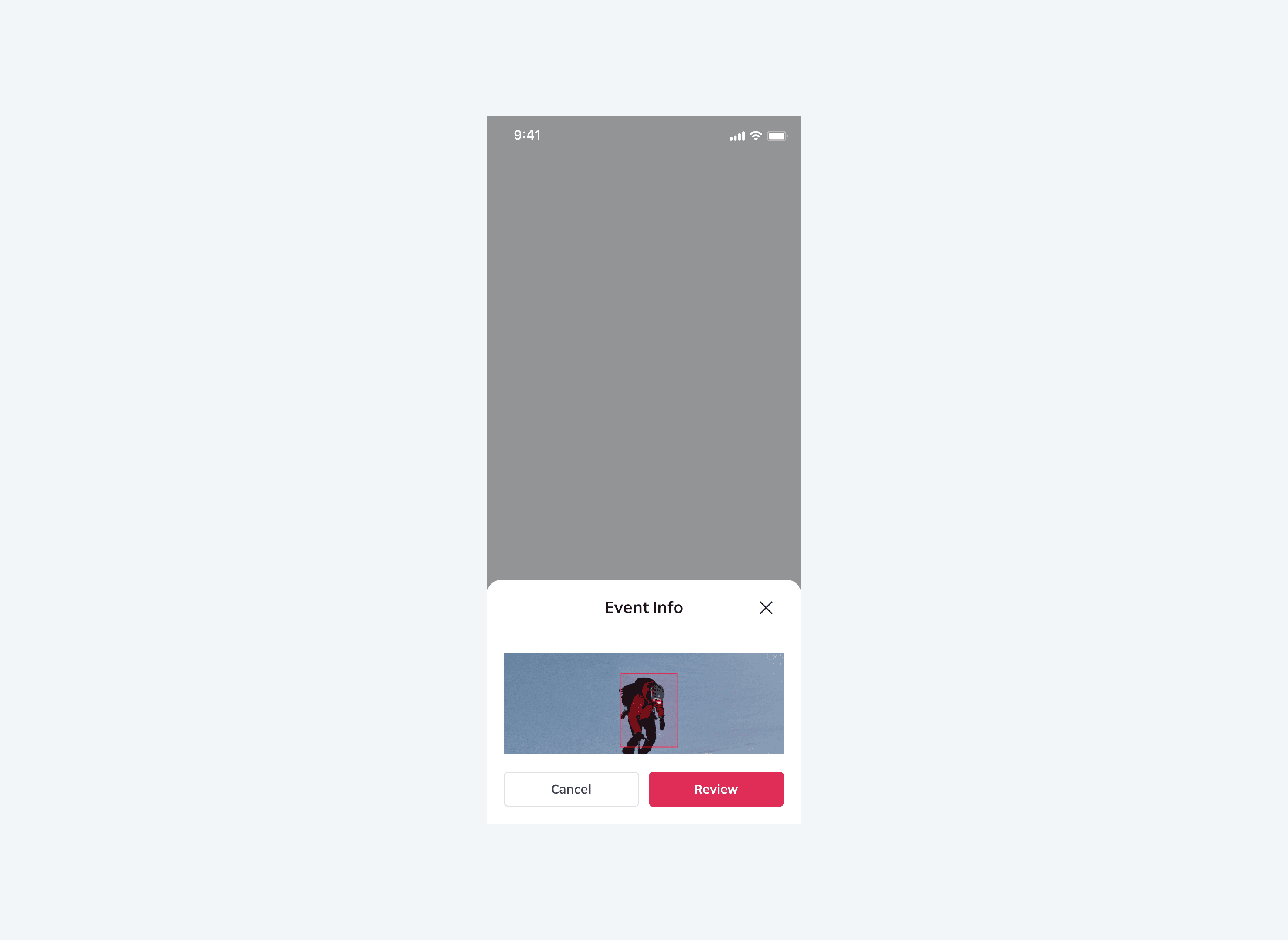
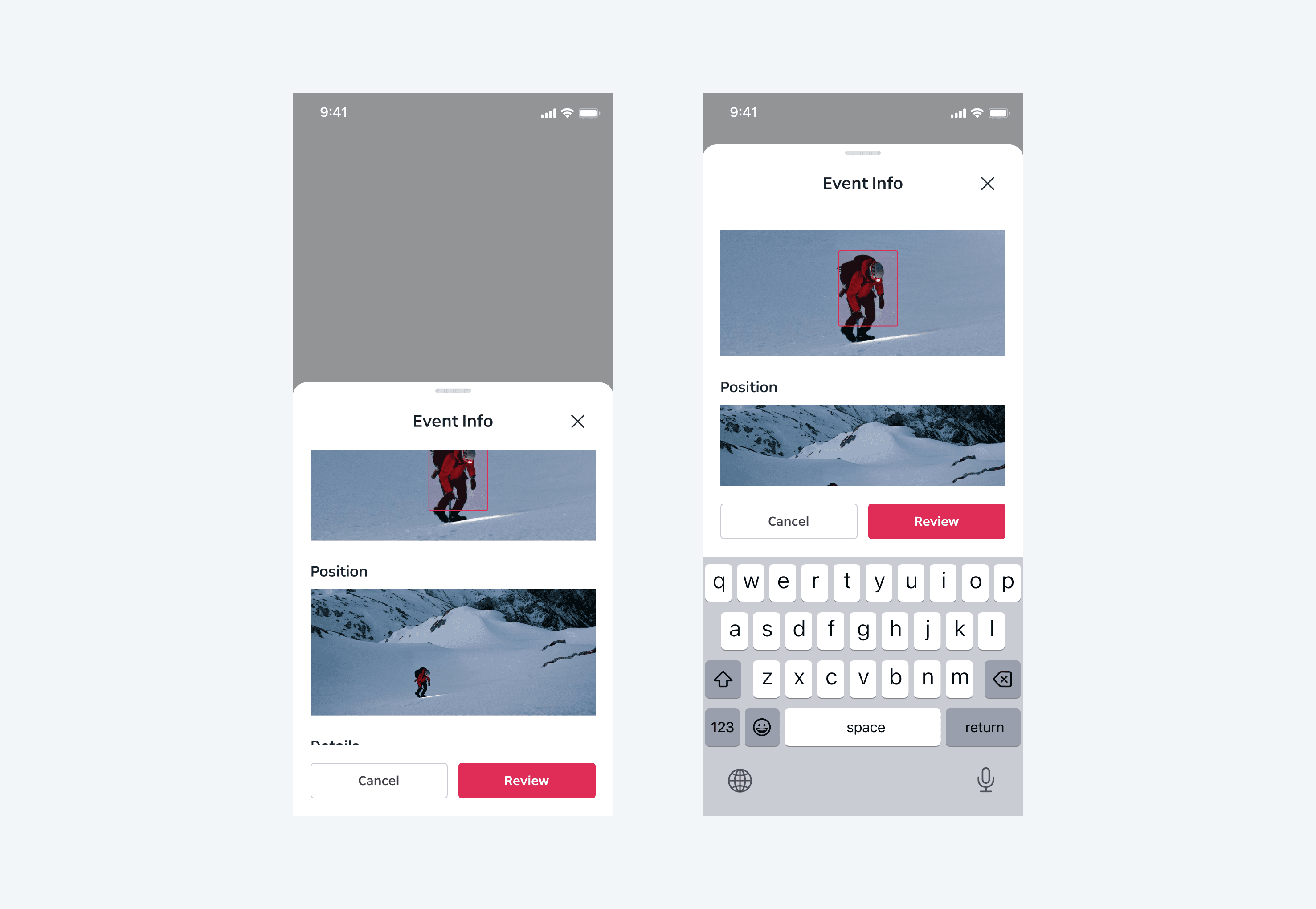
With Keyboard
Default View
Bottom sheet 사용 중 키보드가 활성화 되는 경우 남은 영역 만큼 시트의 높이를 fill 처리합니다. 키보드 영역에 의해 bottom sheet가 디바이스 높이를 초과하는 경우 스크롤이 활성화됩니다. 이 경우 스크롤 값은 ‘0’으로 전환됩니다.
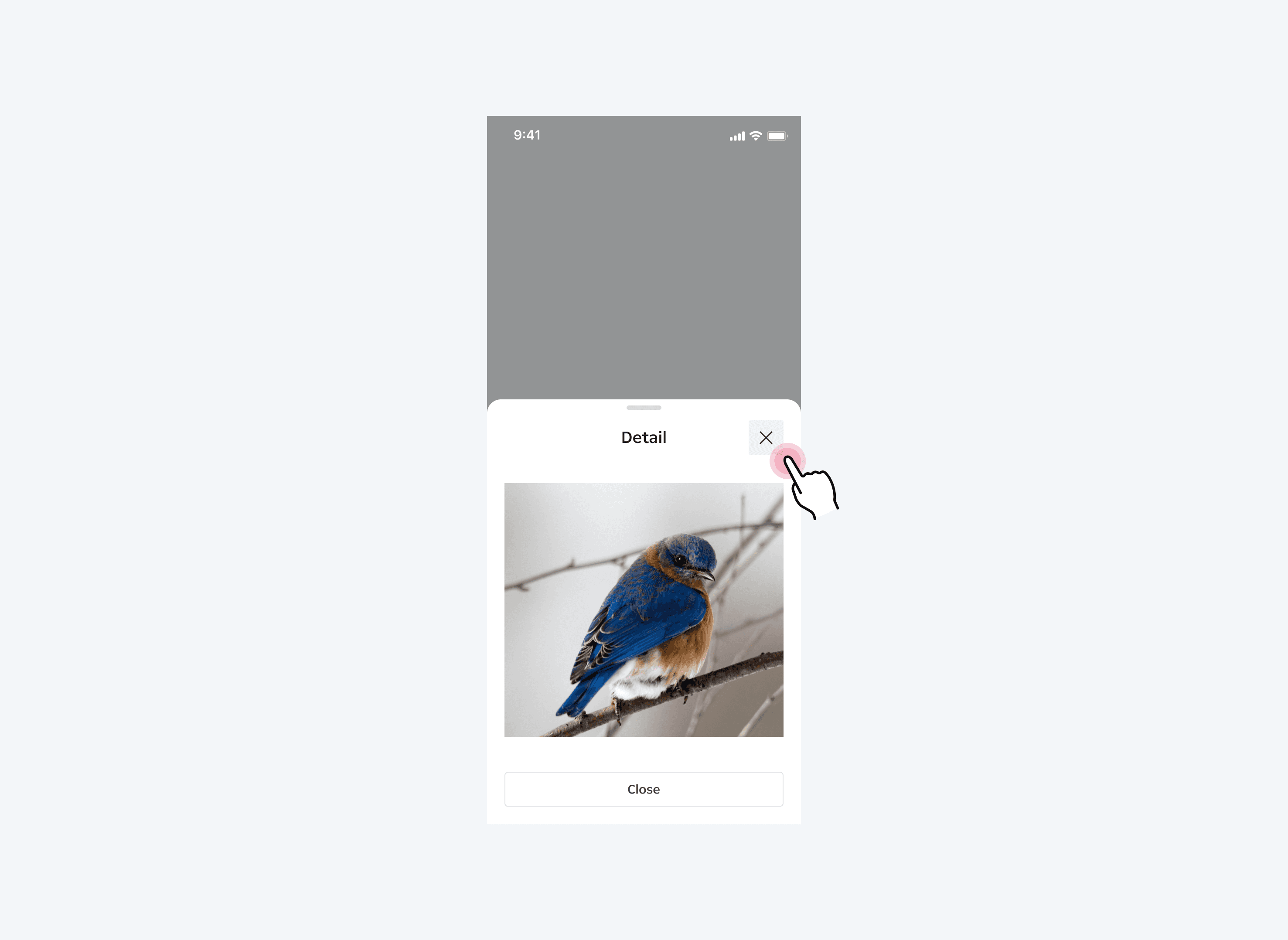
Close Action
Close Button
Header area 내 close button을 탭하여 bottom sheet를 닫을 수 있습니다. Close button은 선택적으로 제공될 수 있습니다.
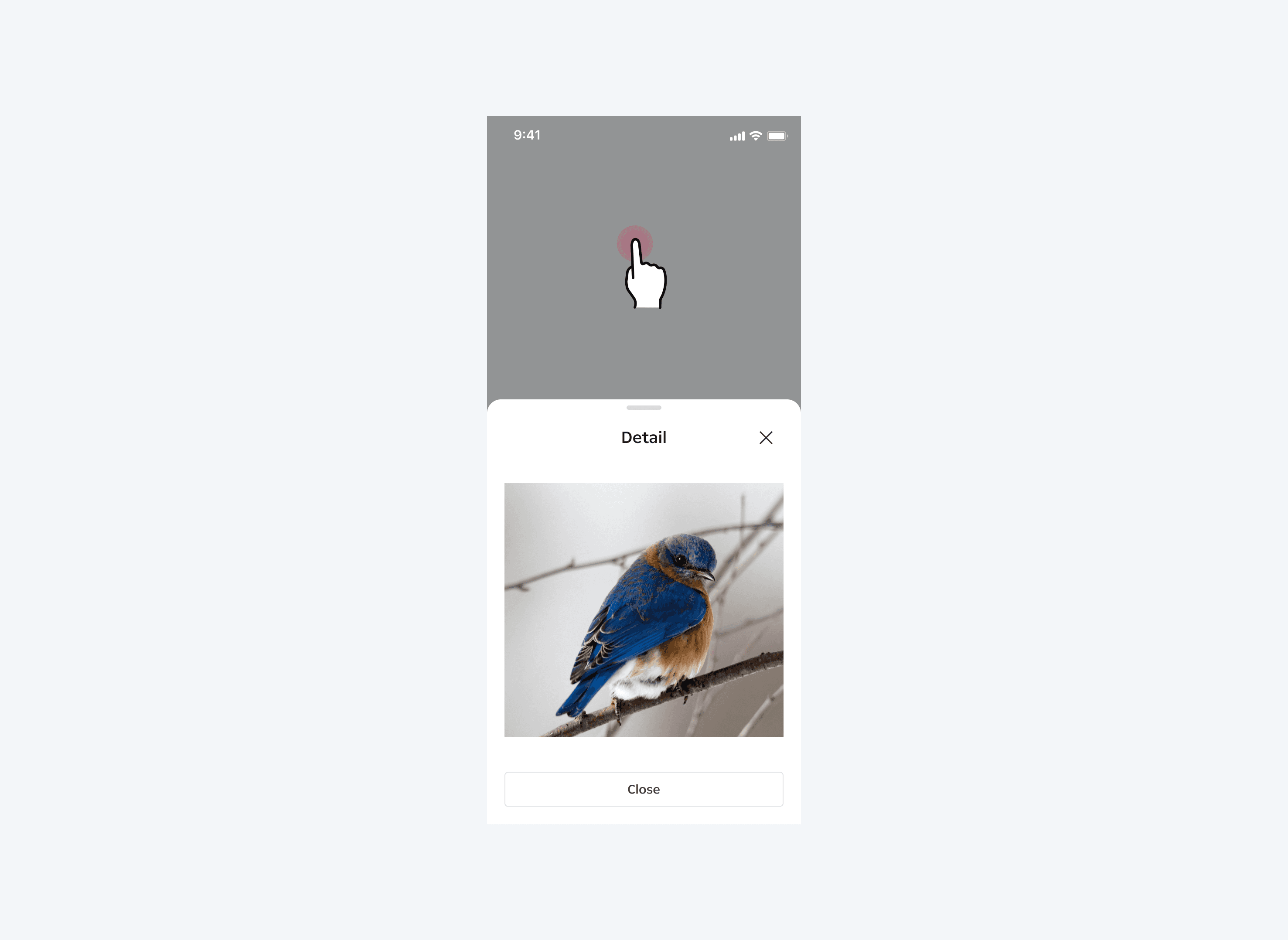
Tab the Scrim Area
Scrim을 탭하여 bottom sheet를 닫을 수 있습니다.
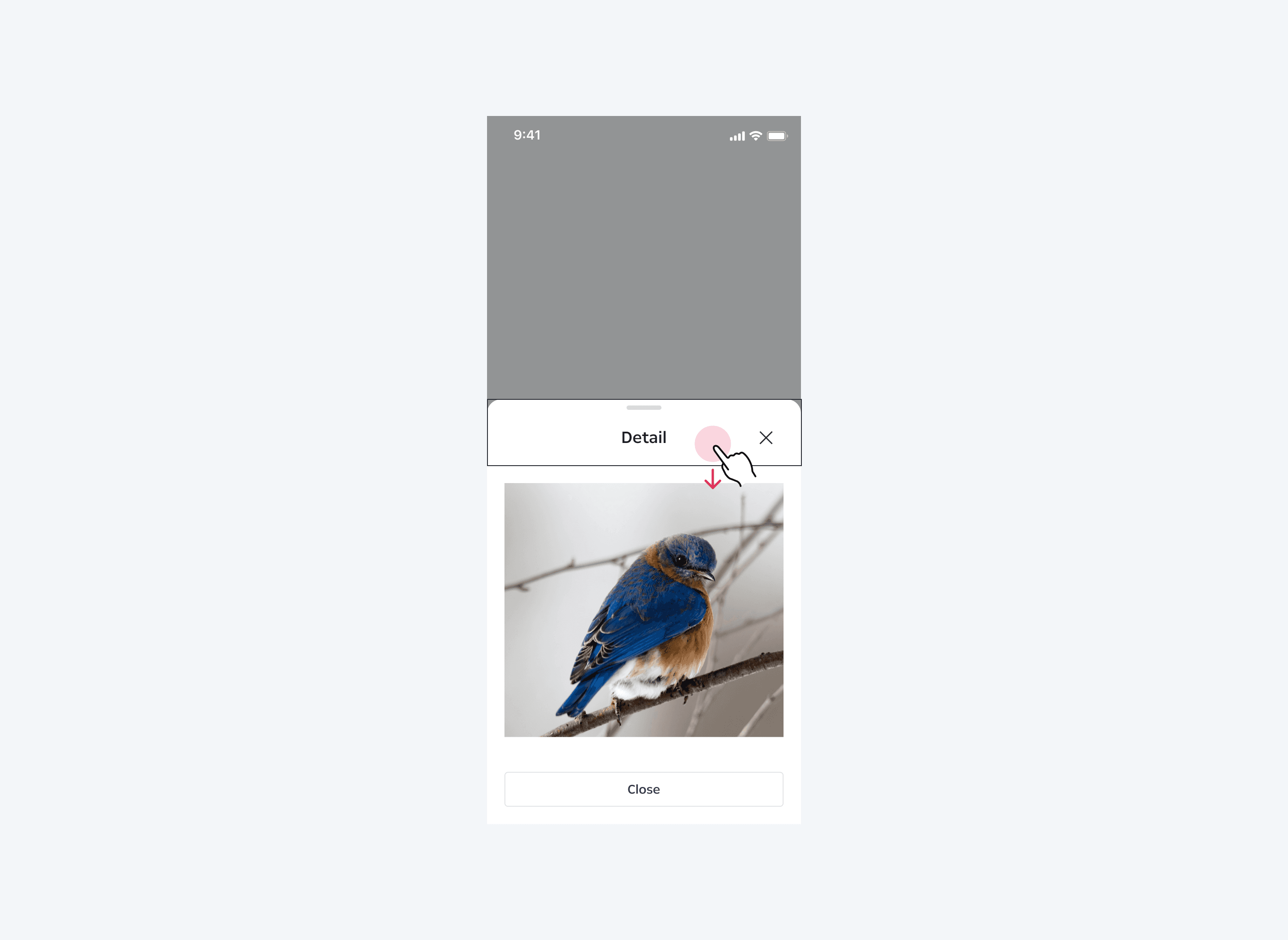
Swipe/Steer Down to Container
Handle 또는 header에 swipe/steer down 제스처를 적용해 bottom sheet를 닫을 수 있습니다.